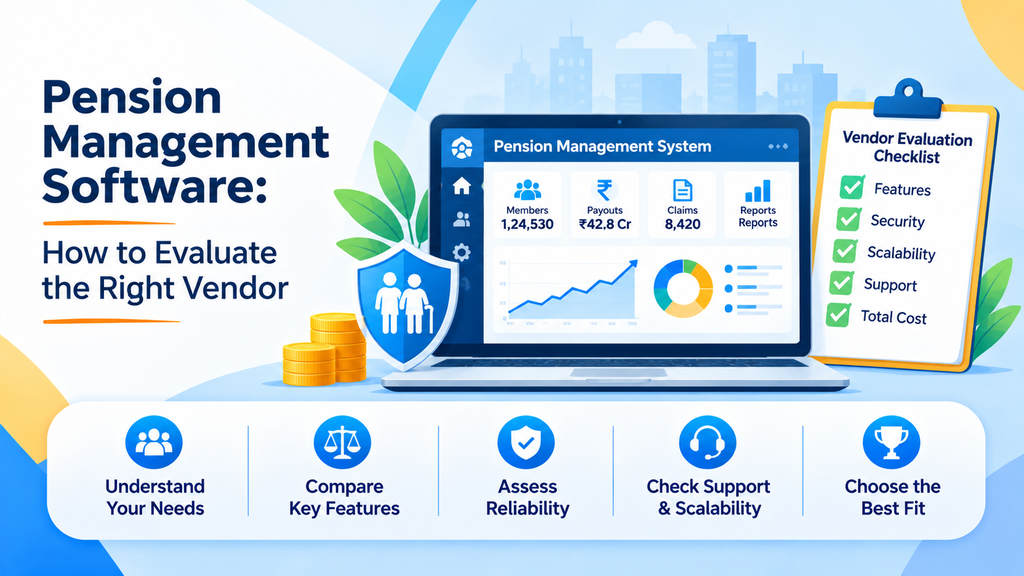
Choosing a pension software vendor is not a decision that can be undone easily. Once your registrations, contributions, and subscriber records sit on a platform, switching later is slow and costly. The vendor you pick will shape how smoothly your pension business runs for years, and how your subscribers experience it.
That is why a structured evaluation matters. This guide explains what to examine when comparing vendors of Pension Management Software, which questions to ask, and which warning signs to watch for. It is written for banks, financial distributors, and other institutions that offer pension products to customers.
Start With What the Software Must Do for Your Business
Before you speak to any vendor, define what you need. Pension distribution typically involves three broad activities: registering subscribers, processing contributions, and reporting. A good platform lets institutions offer online services to clients so they can manage their registrations, subscriptions, and bulk instruction processing, while the institution gets business MIS reports.
Write down which schemes you distribute, which subscriber groups you serve, which channels you use, and which systems the new software must connect to. These answers become the yardstick for every vendor conversation. Without them, demos tend to steer the discussion toward whatever the vendor does best.
Check Which Schemes and Subscriber Types Are Covered
Many institutions distribute more than one scheme. If you offer the National Pension Scheme and the Atal Pension Yojana, a vendor that supports both on one suite is easier to manage than two separate providers.
Winsoft’s pension suite, for example, includes SmartNPS and SmartAPY. Dedicated National Pension Scheme Software should also cover the range of subscribers you expect to serve. On the SmartNPS page, this includes:
- Resident Indian, NRI, and OCI subscribers
- Onboarding of minors under Vatsalya
- Both Tier-I and Tier-II accounts
- Subscribers from both the organized and unorganized sectors
If a vendor cannot support a group you serve today, or expect to serve soon, you will be forced into manual workarounds.
For APY, check that the platform handles both back-office and front-office processing of contributions and provides precise reporting. Institutions that distribute the scheme can look at dedicated Atal Pension Yojana Software as part of the same evaluation.
Examine the Onboarding Experience
The subscriber’s first interaction with your pension service is registration. A slow, paper-heavy process loses people before they even begin.
Ask each vendor to demonstrate onboarding from start to finish. Look for digital onboarding with KYC and eKYC, and for fast PRAN generation. SmartNPS, for example, is described as providing hassle-free, effective, and faster PRAN generation, with the ability to allocate a PRAN instantly using the CRA PRAN library.
Also check how the process works across channels. A subscriber may start on a mobile phone, visit a branch, or be assisted by a relationship manager. The platform should support these paths consistently.
Look Closely at CRA and System Integration
Pension processing connects several parties. If integration is weak, your staff will spend time re-entering data and fixing mismatches.
Key integration questions include:
- Which Central Recordkeeping Agencies are supported? SmartNPS lists NSDL (Protean), KFintech, and CAMS, offered as a single integrated solution for all three.
- How does the system exchange files with the CRAs? SmartNPS generates files such as MIS-1 and MIS-2 for interfacing with them.
- Does it connect to your core banking system and payment gateways for fund transfer?
- Does it connect to SMS and email gateways for subscriber alerts?
Ask for specific examples, and prefer vendors who can show these integrations working rather than only describing them.
Test How It Handles Real Contribution Volumes
Contribution processing is the heart of the service. Check that the platform can capture and process contribution requests for both organized and unorganized sector subscribers.
For corporate subscribers, bulk processing is essential. Entering contributions one by one is not practical when an employer submits hundreds at a time. SmartNPS includes a corporate module with login and bulk instruction processing, and supports bulk processing of contribution requests from corporate subscribers. For individual subscribers, look for support for subsequent contributions and standing instructions.
It is also useful to check whether the platform accepts subsequent contributions from subscribers of other POPs, since this affects how flexible your service can be.
Review Everyday Service Requests
Subscribers do not only register and contribute. They also change addresses, shift between POPs, and activate new tiers. How a platform handles these requests often decides whether subscribers feel well served.
On the SmartNPS page, non-financial requests include Tier-II activation, modification of subscriber details such as name and address, inter-POP shifting, and subscriber shifting. Ask each vendor which of these are handled digitally, and how requests from different channels are tracked.
Understand the Billing Framework
Distributors earn through charges, so billing needs to be accurate and flexible. Ask whether the platform supports configurable charge schemes for different subscriber types.
SmartNPS describes a comprehensive and flexible billing scheme framework, with charge schemes for both organized and unorganized subscribers, and a built-in financial accounting module. If billing sits outside the platform, you may need extra tools and manual reconciliation.
Insist on Strong Reporting and Compliance Support
Pension distribution is a regulated activity. You need a clear view of what is happening, and reports that satisfy regulatory expectations without heavy manual effort.
Check for:
- Status tracking across all channels, such as One View Status Tracking for requests from branches, internet, and mobile
- Operational reports, such as All Request and Transaction reports
- Regulatory reports, such as a PFRDA report
- Reconciliation, such as a Fund Reconciliation report
- A dashboard that gives managers a quick view of the business
Also ask how the vendor keeps the platform current with regulatory requirements. SmartNPS lists built-in regulatory requirements as a benefit, which is the kind of commitment you should expect to see in writing.
Assess Security, Access, and Control
Pension systems handle personal and financial data, so access control is a basic requirement. Ask how users, roles, and organizational structures are defined. SmartNPS provides for defining users, access control, and organizational demographics, with user login and access-rights control listed among its benefits.
Ask the vendor to explain how approvals work, how actions are recorded, and how permissions can be adjusted as your organization changes.
Evaluate Channel Support
Your subscribers will not all use the same channel. Check which channels the vendor supports and whether they work consistently. SmartNPS lists a client portal, mobile and tablet, branches, a central processing center, channel partners, and relationship managers.
A broader set of channels helps you reach more subscribers, but only if each channel has access to the same up-to-date information.
Judge the Vendor, Not Just the Product
A good product from a weak partner can still lead to a poor outcome. Look at the vendor’s track record, domain focus, and ability to support you after go-live.
Ask how long the vendor has worked with financial institutions, what support is available after launch, and how changes are handled when regulations or your needs shift. Implementation often needs extra technical capacity, so find out how the vendor can help. Many institutions use IT Staff Augmentation to add technical resources for integration and testing without long-term hiring.
A Simple Scoring Approach
To keep the decision objective, turn the sections above into a scorecard.
- List the criteria: scheme coverage, subscriber types, onboarding, integration, contribution processing, service requests, billing, reporting, access control, channels, and vendor support.
- Give each a weight based on its importance to your business.
- Score every vendor from one to five on each criterion, using demonstrations and written answers rather than impressions.
- Total the scores and compare, then check references with similar institutions.
This keeps the conversation fair, and it gives your team clear reasons for the final decision.
Red Flags to Watch For
- Vague answers on integration. If a vendor cannot name the systems it connects with, assume work will fall on you.
- Demos that skip exceptions. Ask to see rejections, corrections, and shifting requests, not only the smooth path.
- No clear reporting. If regulatory and reconciliation reports are not part of the product, expect manual effort.
- Limited scheme or subscriber coverage. Gaps today become workarounds tomorrow.
- No plan for support after go-live. Problems often appear after launch, not before.
Conclusion
The right pension software vendor is the one that fits your schemes, your subscribers, your channels, and your systems, and that can support you well after the contract is signed. Evaluate vendors on scheme and subscriber coverage, onboarding, integration, contribution processing, service requests, billing, reporting, control, and support, and use a scorecard to keep the comparison fair.
Take the time to ask detailed questions and test real scenarios. A careful evaluation now costs far less than correcting a poor choice later, and it gives your subscribers a pension experience they can rely on.